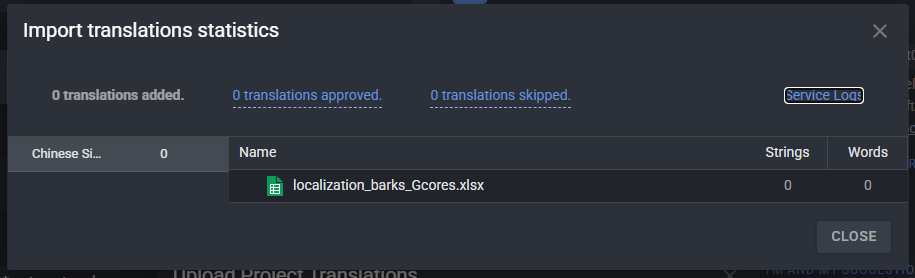
When you see “0 uploaded 0 approved 0 skipped” for an XLIFF upload, it means Crowdin could not match the segments in your file with any strings in the project. This can happen if the XLIFF structure or language codes are different from what Crowdin expects, or if the file was not originally exported from the same project/file.
For XLSX, if nothing shows in the import result, it is due to the file structure or because there are no matching source strings in the project.
To understand exactly what is going on in your case, we need to review the actual files and the project you are uploading to.
Could you please send us (email to support@crowdin.com) the XLIFF and XLSX files you are trying to upload, along with a link to the project and the specific file in Crowdin these translations should go into?