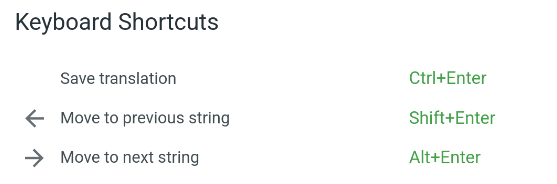
In Crowdin on the comments tab, i have tried to make a newline/new line in my comment, but usual Shift+Enter somehow jumps to a different string. Alt+Enter or Ctrl+Enter does not work either. Firefox 140.2.0esr
Hi @slrslr
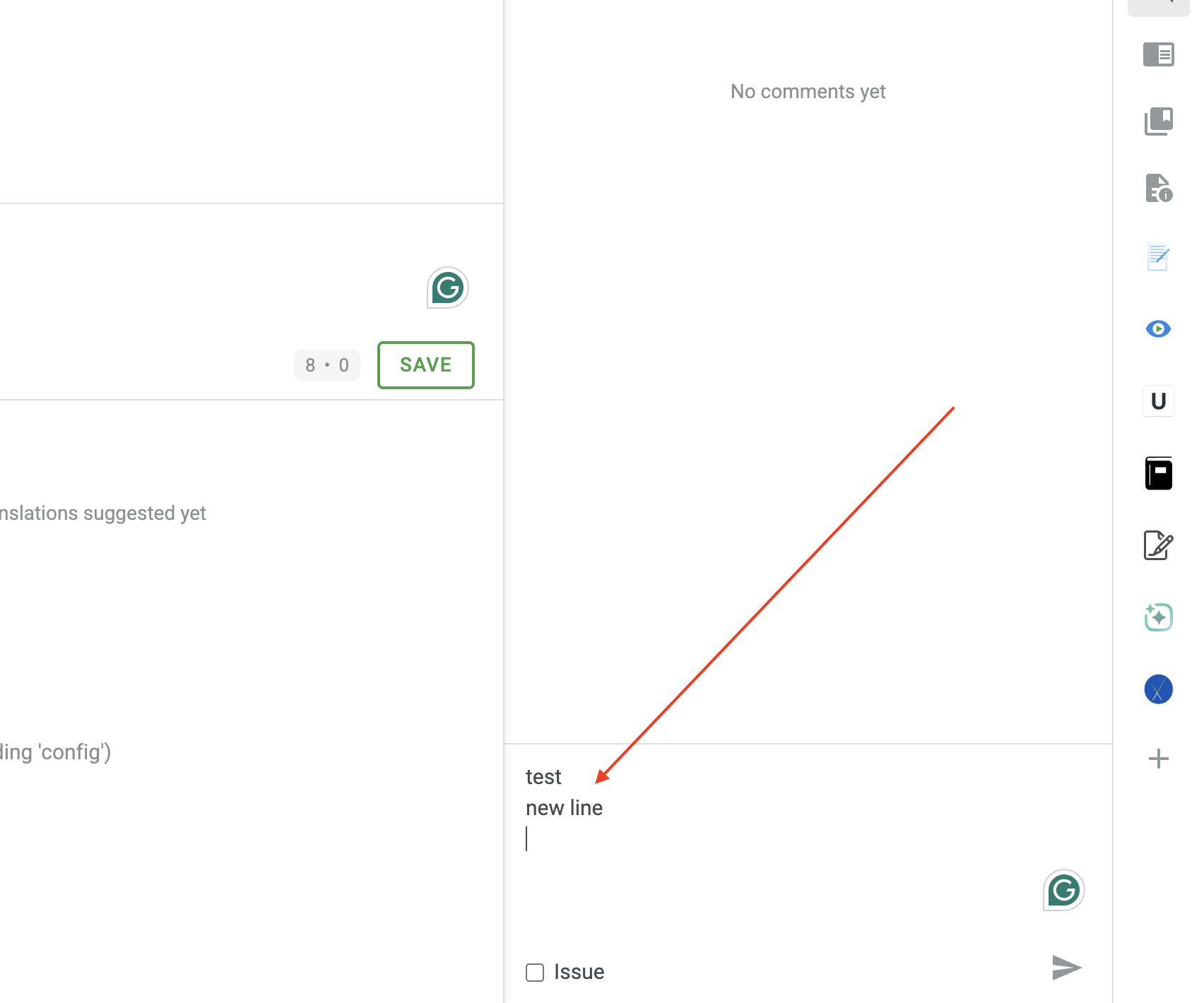
In order to make a new line in the comment, please make sure that you click on the comment tab rather then the translation field, please check the screenshot below I was able to add the new line with the Shift+Enter combination:
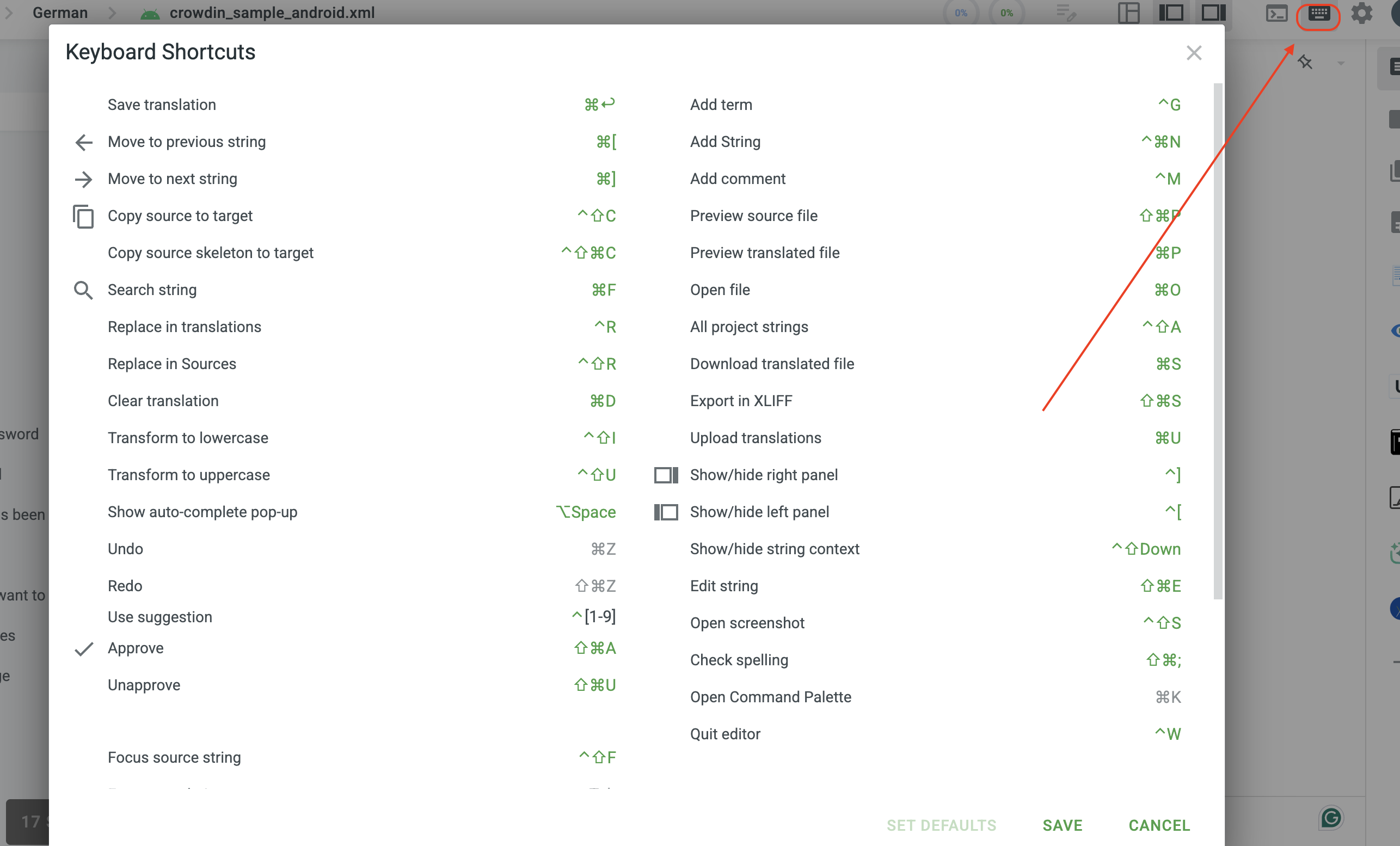
Also, double-check the keyboard shortcuts in the Editor. It might be that you’ve updated it previously, as command+[ moves to the next string:
1 Like