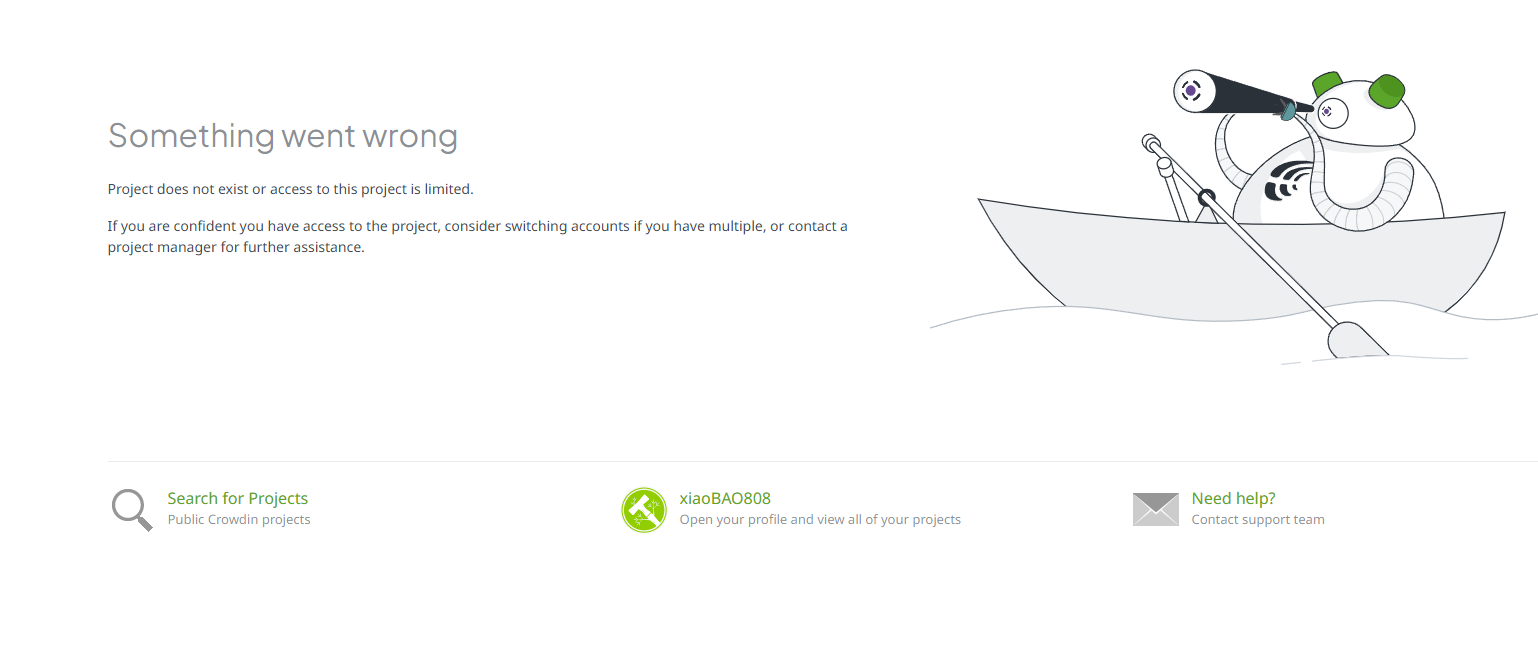
I tried to invite my proofreader through invitation link and via user, and my proofreader always end up in this page (everyone else in my project was invited smoothly through link), here’s the page he ran into, please tell me what’s wrong.
Hello,
Could you please try the following steps?
1. Cancel the current invitation for your proofreader under the Users tab by clicking on the three dots and selecting “Cancel invitation”.
2. Send a new invitation to your proofreader from scratch.
This should resolve any issues with the invitation link. Please also ask your proofreader to clean the browser cache or use another browser (just in case).
If your proofreader continues to encounter problems, please provide me with their email and the specific project they should be a part of, so I can investigate further. You can email us at support@crowdin.com to keep things private.