The multigrid editor is very hard to work with, due to some layout bugs. I’m using the latest version of Chrome on Macos (Tahoe 26.0.1):
- Column resizing is not possible as the handle bar is 240px to far to the right. If you move the mouse there it dissapears. This is in Multilingual grid mode (3 languages active)
- The default view (not compact) is hard to edit, as the cursor doesn’t match up with the text. It seems that the
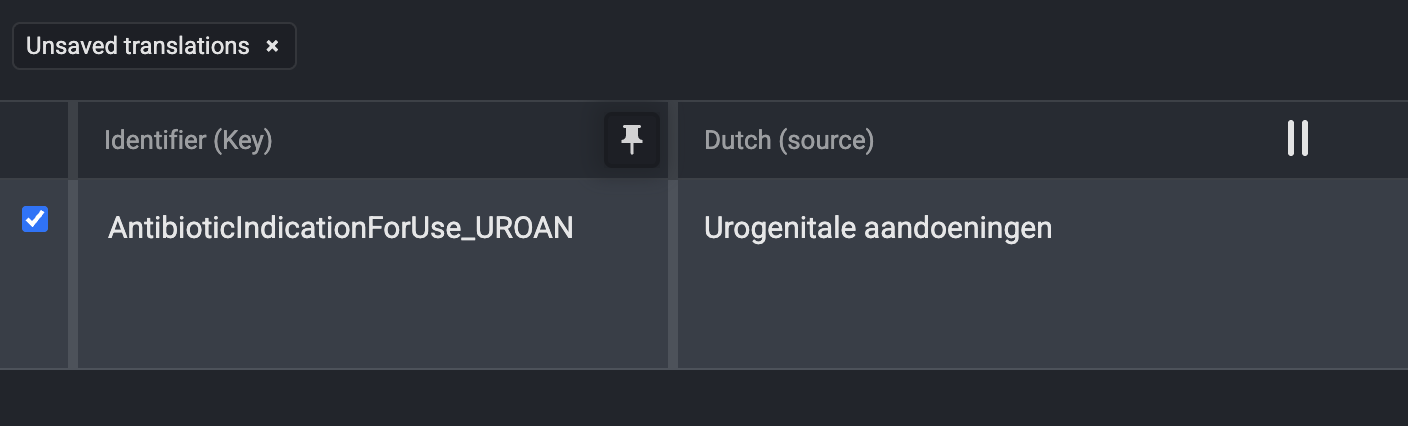
Example of the handlebar all the way to the right when hovering at the border between 2 columns:
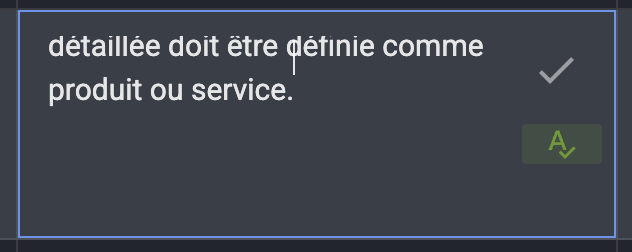
Example of editing cursor completely wrong place when editing a multiline translation. This is simply not workable. The original text jumps up, and the cursor is somewhere halfway:
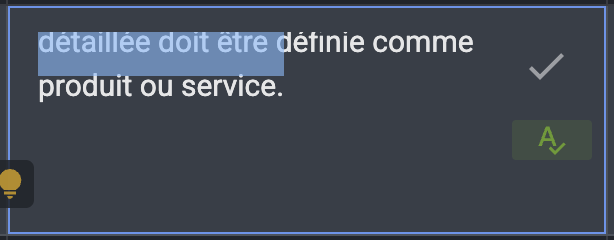
If you do a select all (CMD+A) this is the result:
Please fix the layout…