Could you please record a short video showing the steps you take so we can reproduce the issue on our side? Alternatively, you can share a screenshot of the app configuration. If you’re not comfortable sharing it here, feel free to send it to support@crowdin.com.
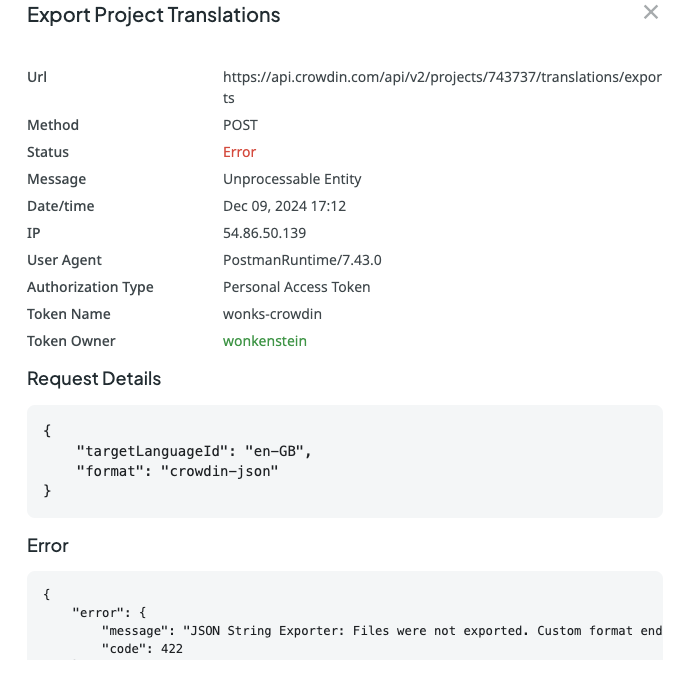
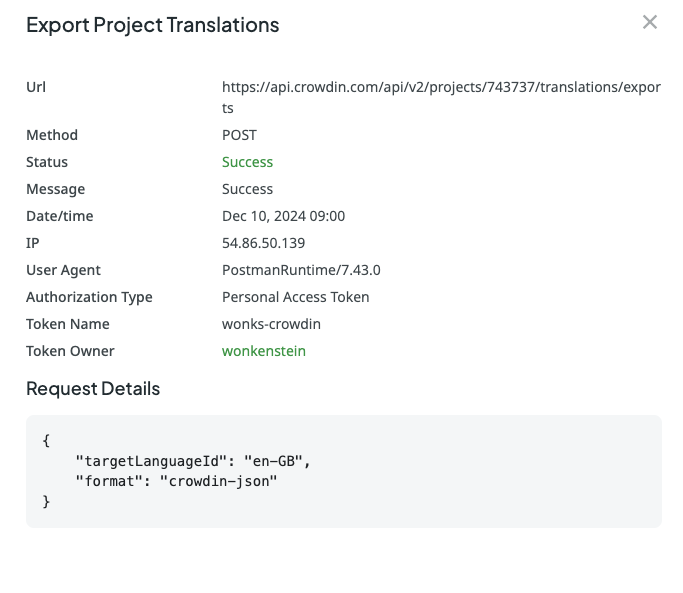
We’re facing a recurring issue with the JSON String Exporter app. Exports randomly start failing and the only way to recover is to uninstall and reinstall the app on our project. This manual step keeps happening and is disruptive to our pipeline. We need an official response from Crowdin with a root cause and permanent fix so we can continue using the service reliably.
Temporary workaround (for others until Crowdin responds)
This consistently unblocks us, without changing any project/bundle settings:
Go to Apps & Integrations in the project.
Uninstall the app “JSON String Exporter.”
Install the same app again.
Export resources again.
Notes: The problem reappears after some time, forcing us to repeat the uninstall/reinstall cycle
To get a permanent fix, the best course of action is to contact our support team directly. We’ll need to access your project logs, which will help them pinpoint the root cause of the issue.
Please send an email to support@crowdin.com and include the following information:
A link to your Crowdin project
Any specific error messages you’re seeing in the UI when the export fails
Providing this information will help our team get to the bottom of this issue and find a permanent solution.