I notice that I need to refresh the Crowdin page sometimes because of this weird bug, I found that the easiest way to reproduce it, was to go into Crowdin, select the strings and language, and then things kind of just don’t work. It keeps saying a string was already saved when you submit something, and it all behaves very weird, as if it doesn’t know what it is doing.
Hi @lucasmz.dev
That behavior is actually expected.
If a translation you are trying to submit is exactly the same as one that is already saved, the system prevents you from saving the duplicate.
You should be able to simply select the existing, correct translation variant and Approve it, rather than trying to submit the same string again.
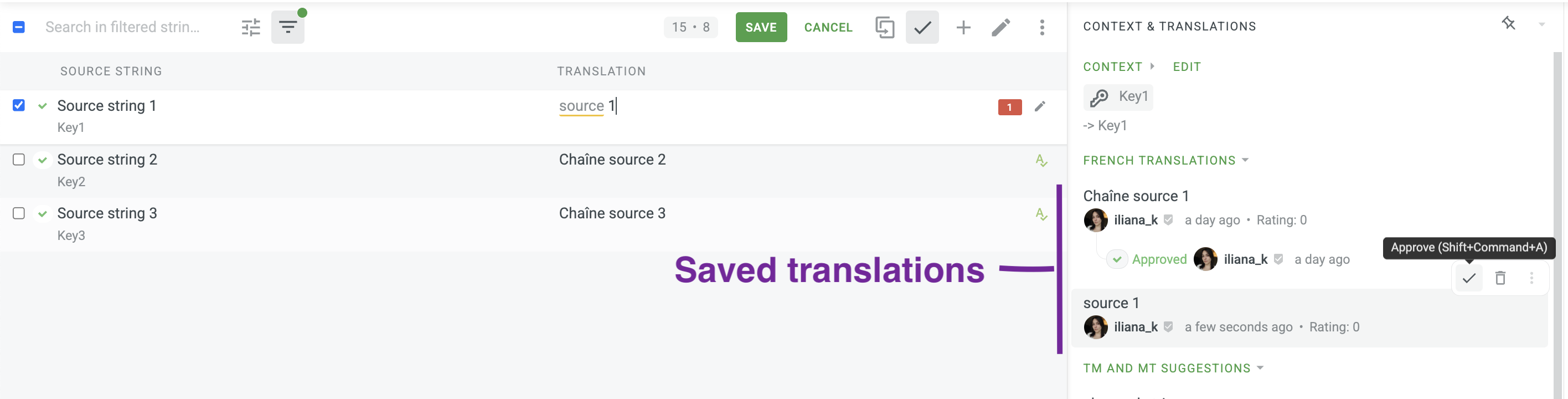
I mean it happens when there isn’t a duplicate string, it’s one of the symptoms that happens when I notice this breakage with the client, but it becomes a bit broken overall
@lucasmz.dev Could you, please, share the particular example of the described behaviour with the links to the project and the affected string to our e-mail address support@crowdin.com?