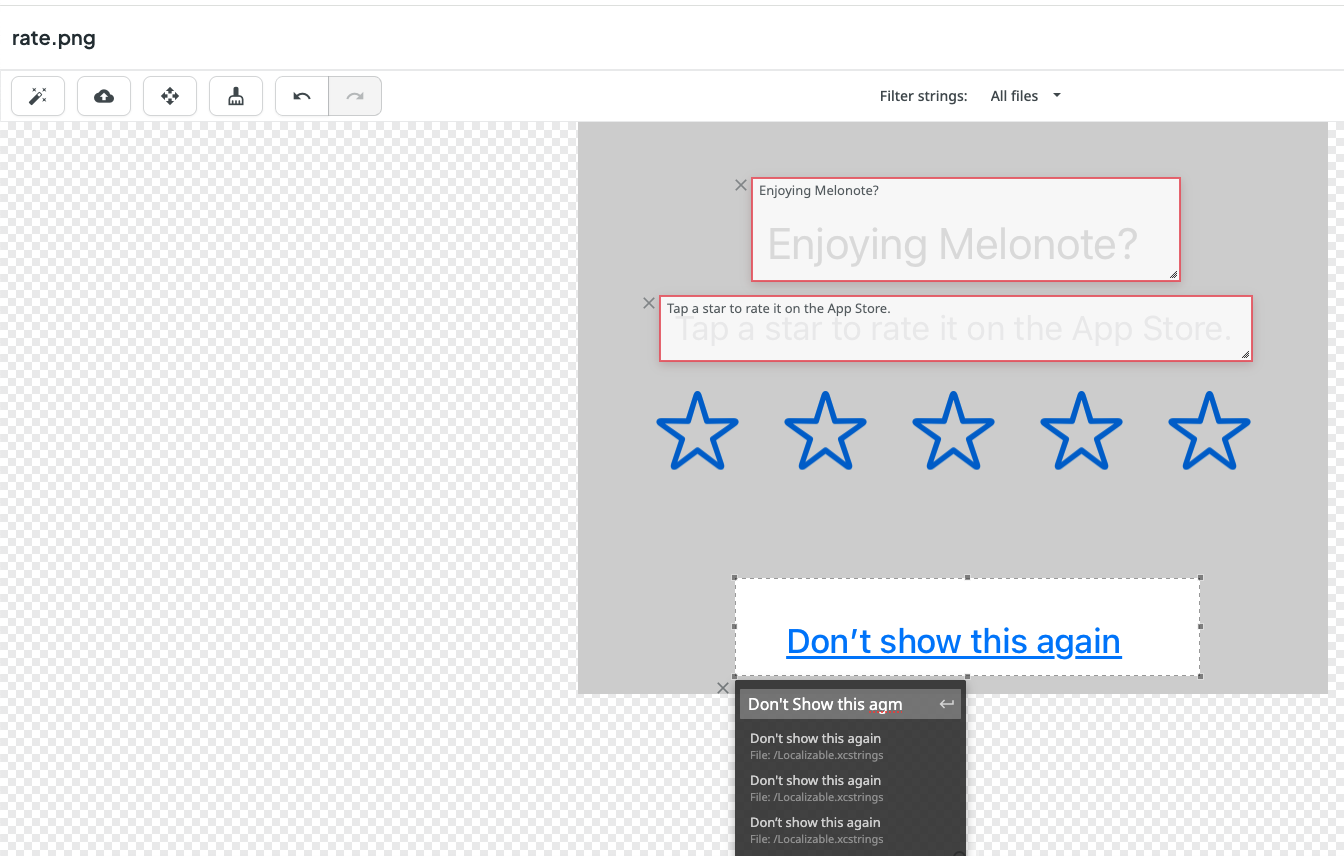
When tagging screenshot, there can be multiple strings with same content, different identifier. In the tag selection, can we display the string identifier? Please refer to the above screenshot.
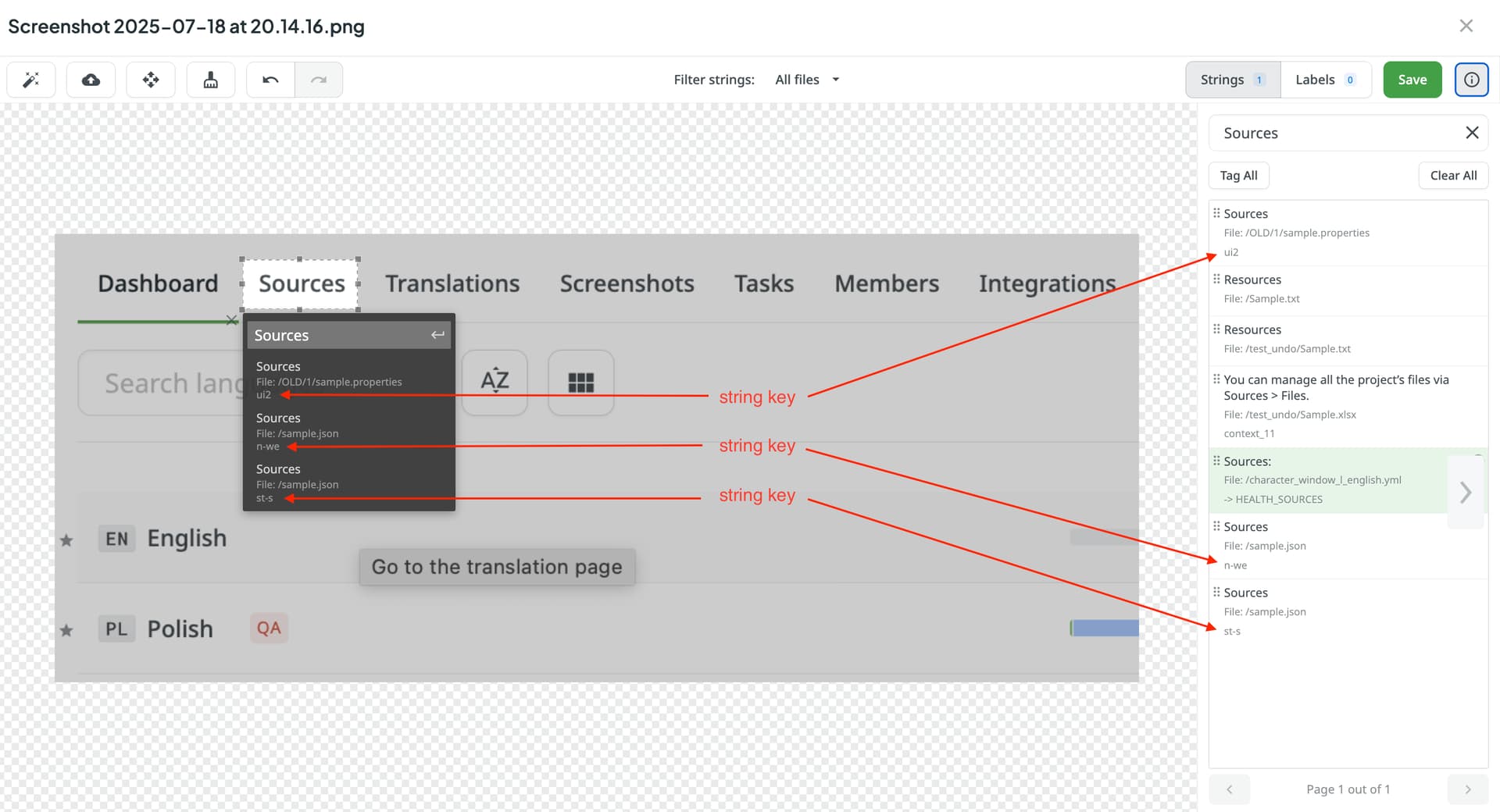
Hi @yancheng, actually, the key should be displayed. I just checked from my side, and the string key is displayed, see screenshot
That is strange. It doesn’t work for me, either in Mac Chrome or Mac FIrefox.
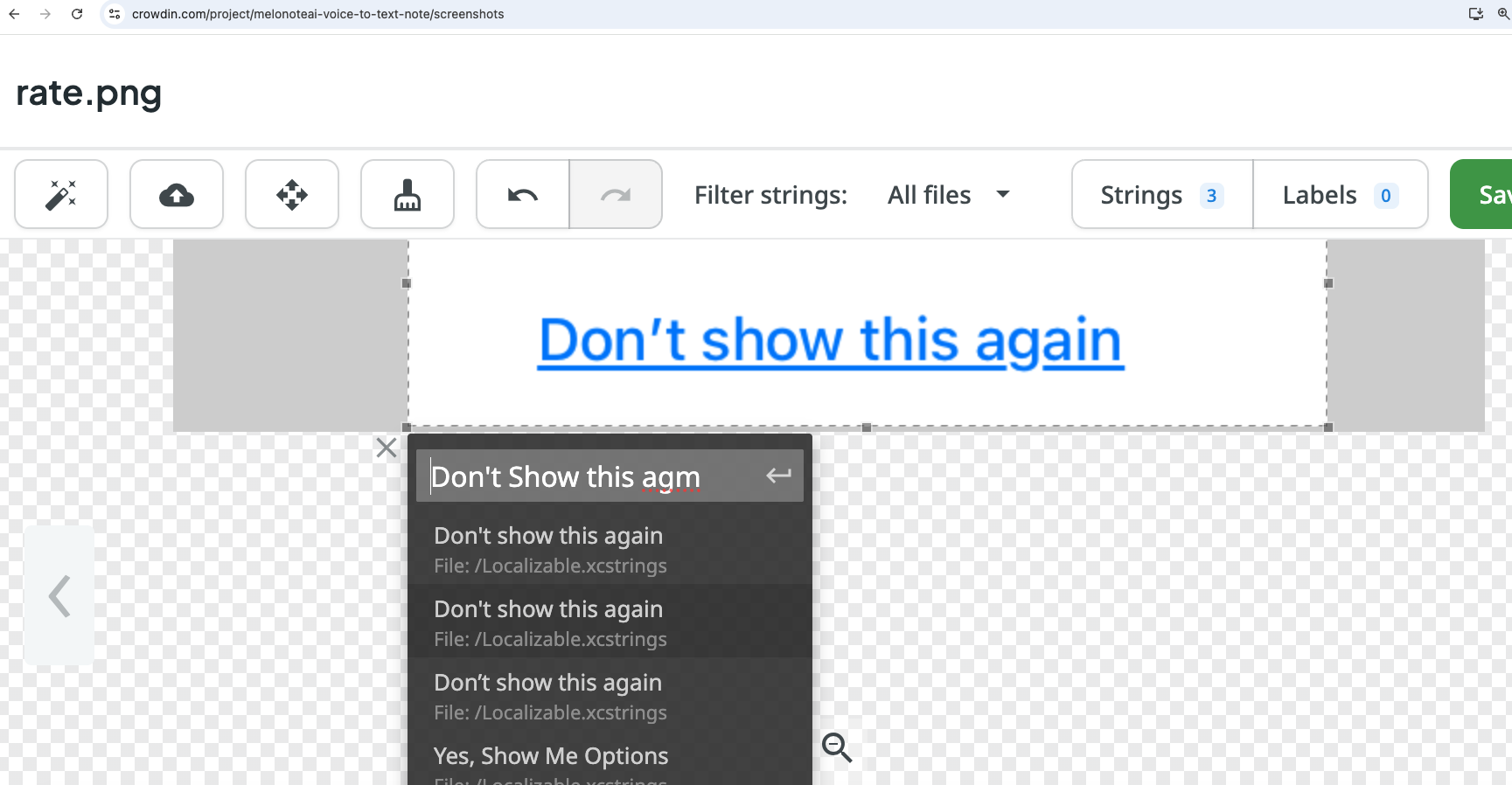
Any idea? Is there any settings I need to turn on?
HI @yancheng
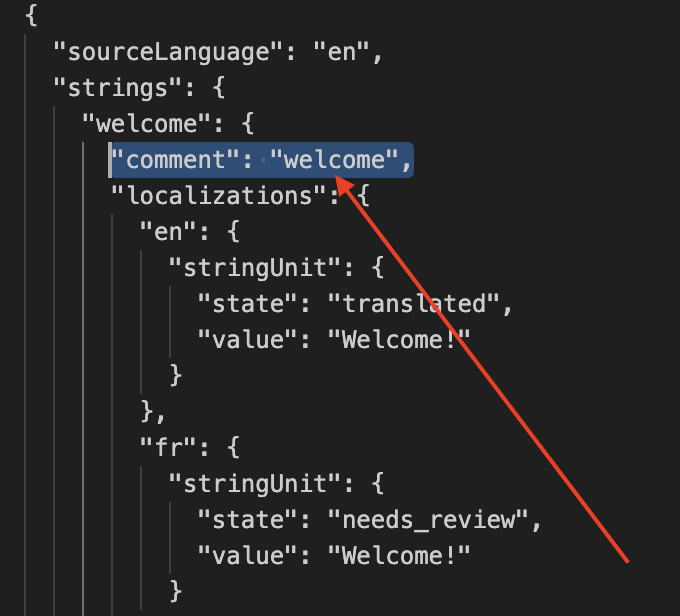
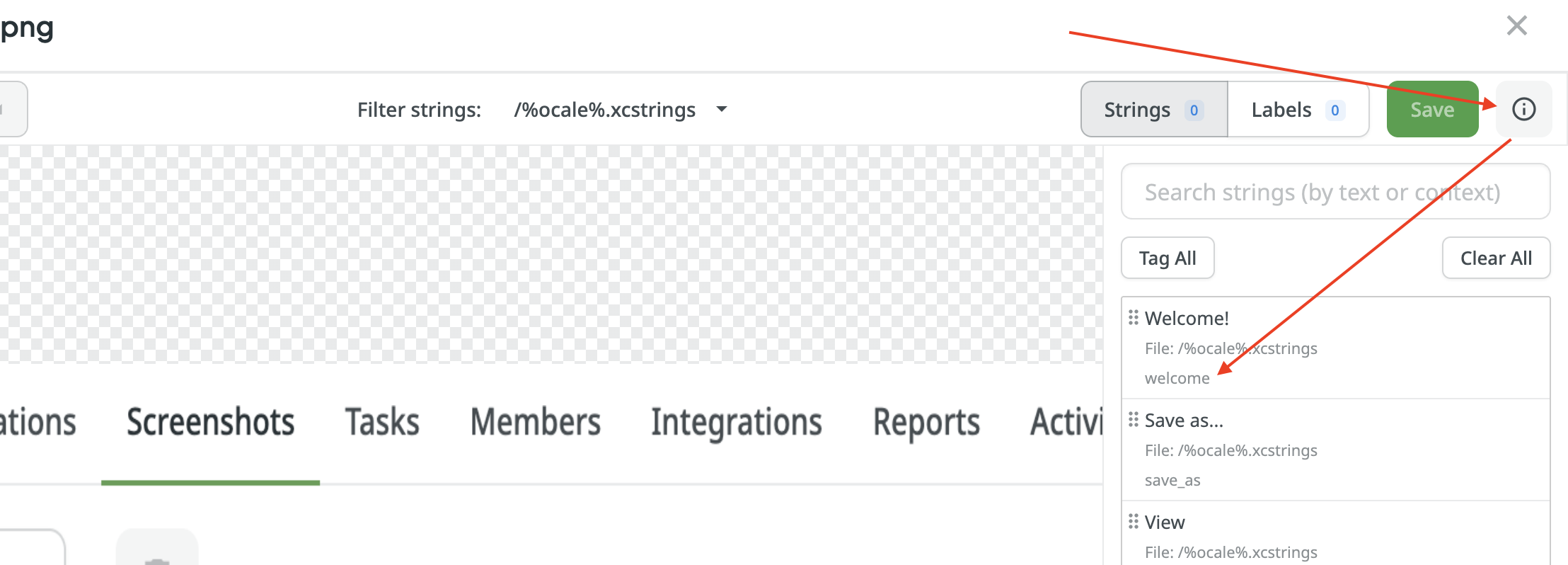
I’ve tested on my side with the .xcstrings file and it seems that the comment part will be displayed in the Screenshots tab once you click on the info button, as shown in the attached images below, see the file example below: