I work on translation between two flavours of English.
Since the differences are only in a small number of strings, I want to start by having all the destination strings the same as the base strings. How can I do that without clicking “CTRL-SHIFT-C” for each and every sting?
Hi @GuardianAngelApp , you may download the source file in the Sources tab and upload it as a translated file, so you’ll have the source texts in the translation field
If we misunderstood something - please kindly let us know
Thank you.
I’m sorry for not clarifying, I’m looking for a way to do it with the GUI, some sort of mass edit.
Thanks again.
Hello @GuardianAngelApp!
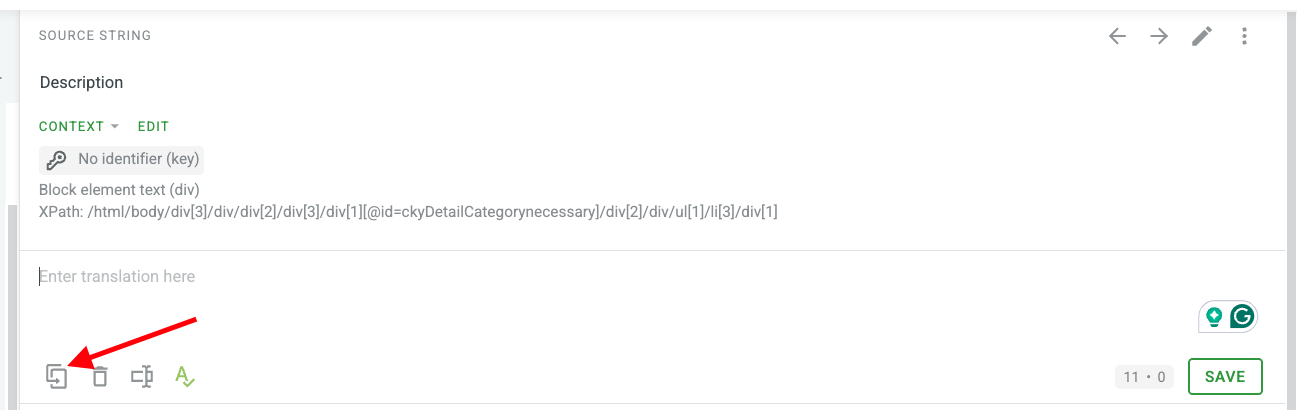
Crowdin’s UI option allows you to use either “CTRL-SHIFT-C” combination or the “Copy Source” button within the Editor:
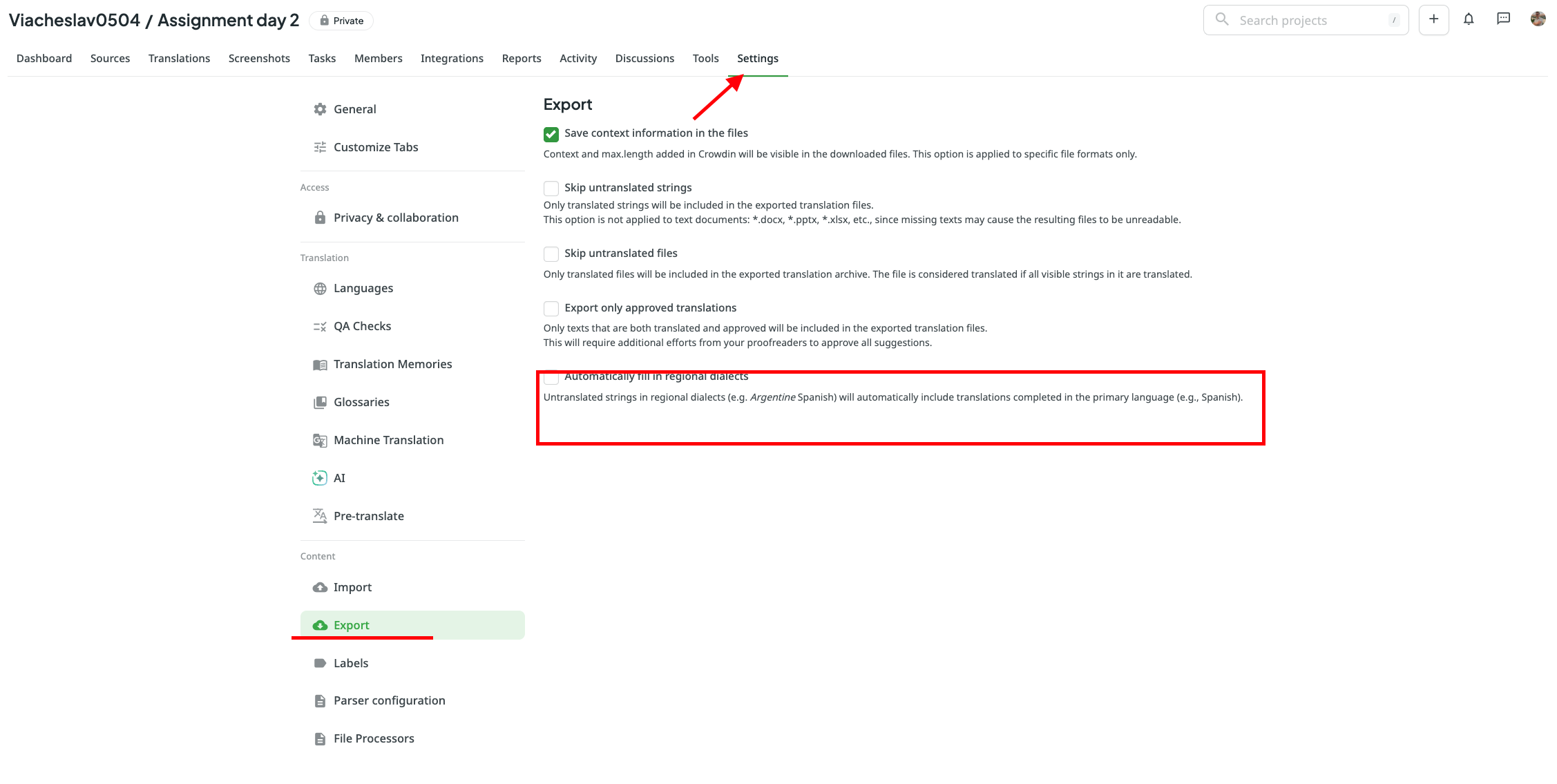
An alternative approach here would be to enable the “Automatically fill in regional dialects” option in your project’s export settings. In this scenario, when you have English and English, United States (for example) set as target languages, you will not see the translations present within the UI for the English, United States, but after export, they will be the same as for English: