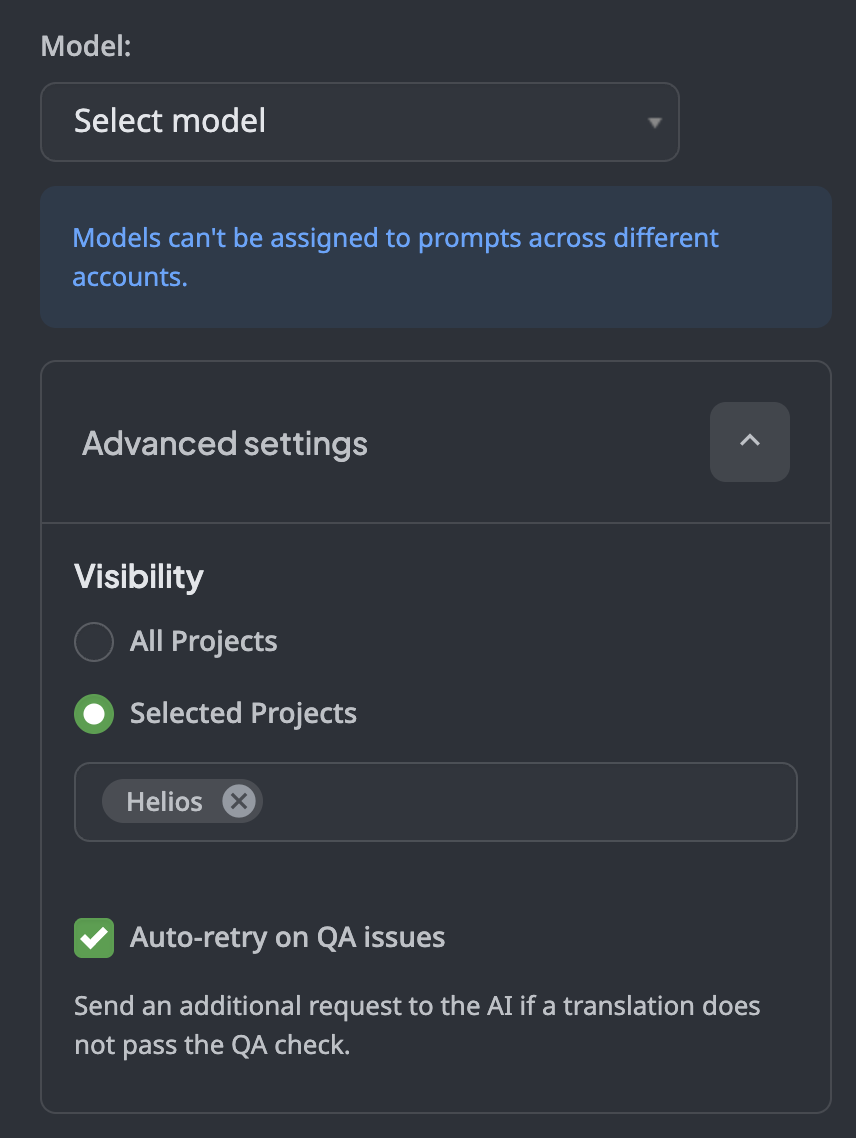
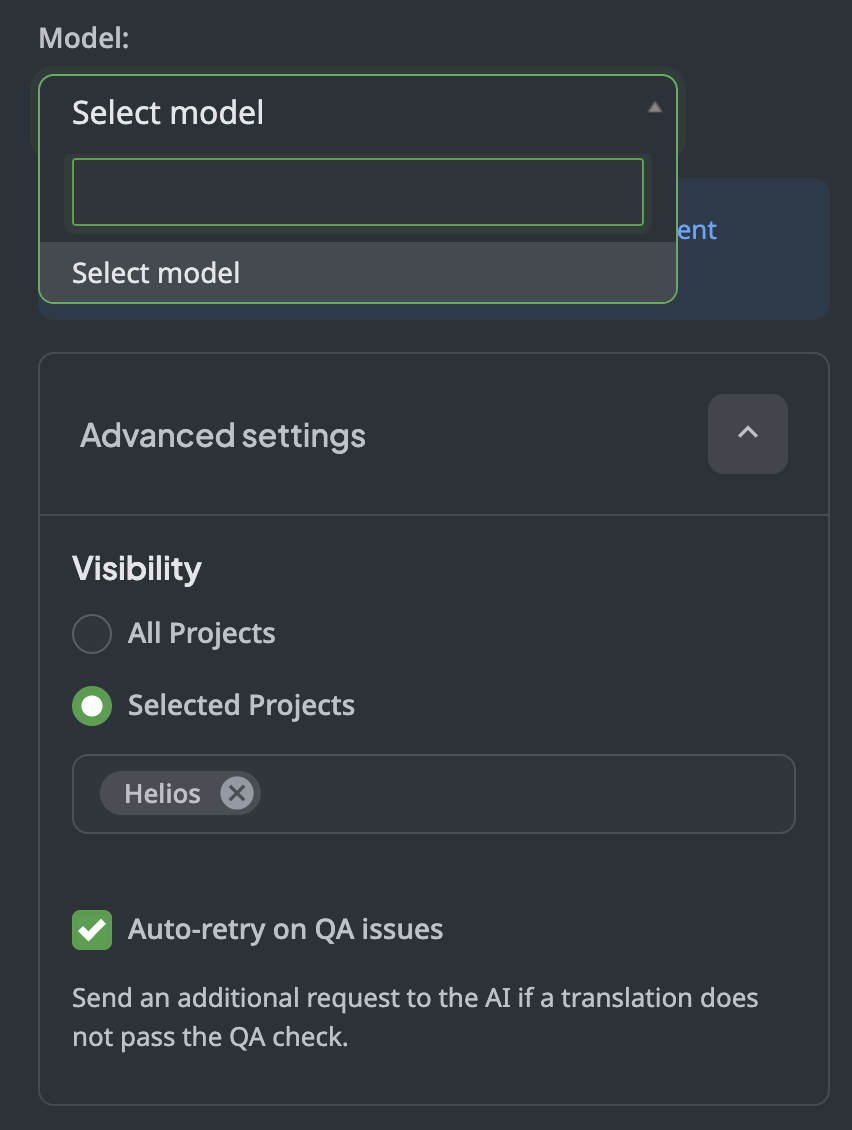
I am trying to “Unlock potential savings by combining an AI pre-translation with a proofreading task from a Crowdin Language Services vendor.” I am assuming I need to setu
p AI from Settings → Pre-translations. However, when I try to do this there are no model to select from (see screenshots)
Thanks
Hello @PatrickLock!
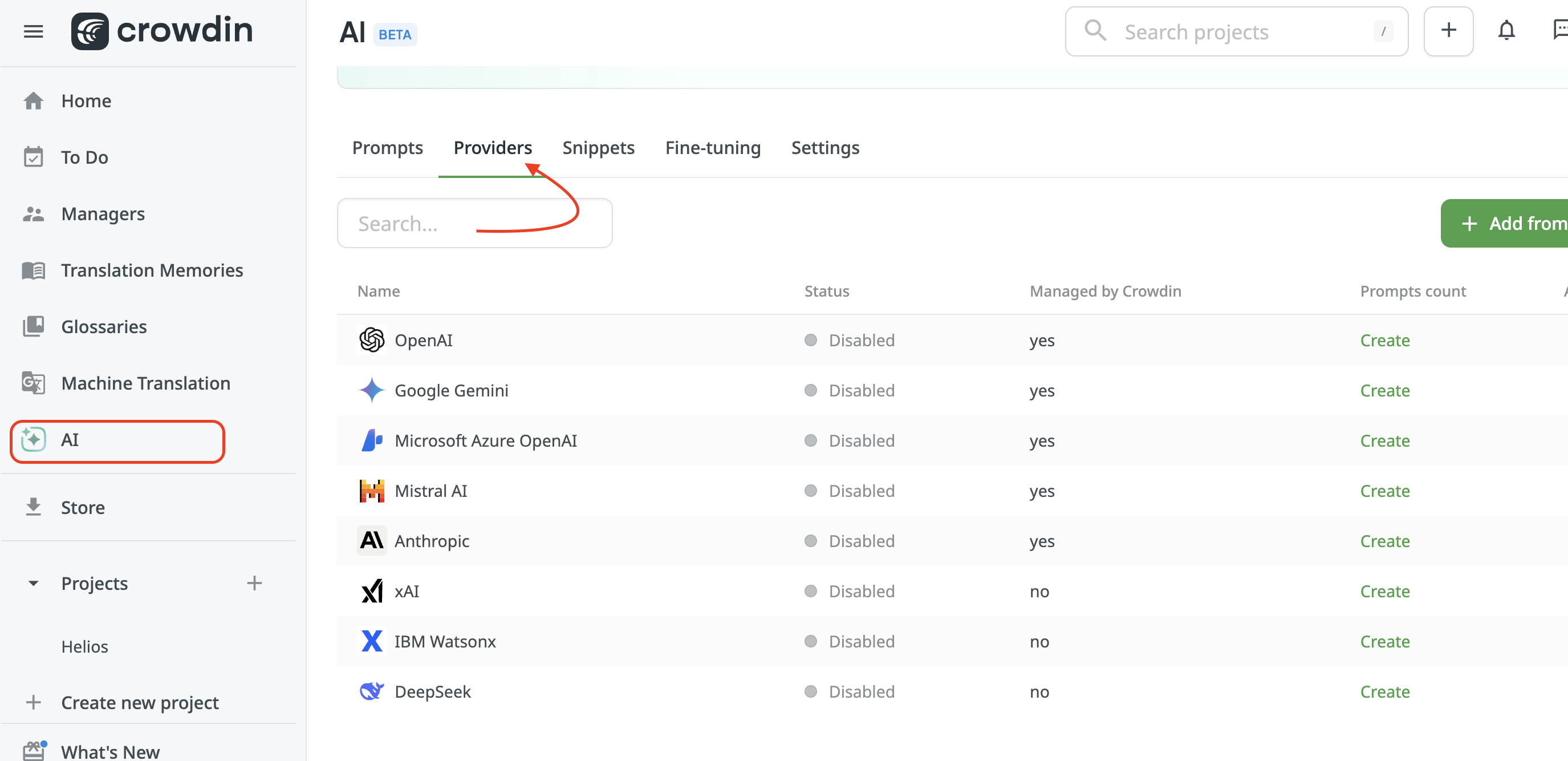
First of all, you need to connect the AI Provider from the general AI Tab on the left-side panel (not in the project):
After you have connected the selected provider (either via your API Key or via Crowdin (if supported)), you can create a pre-translation prompt and manage it throughout your projects.
Please, find our detailed guide on configuring AI Providers here: Crowdin AI | Crowdin Docs
and on creating prompts here: Crowdin AI | Crowdin Docs