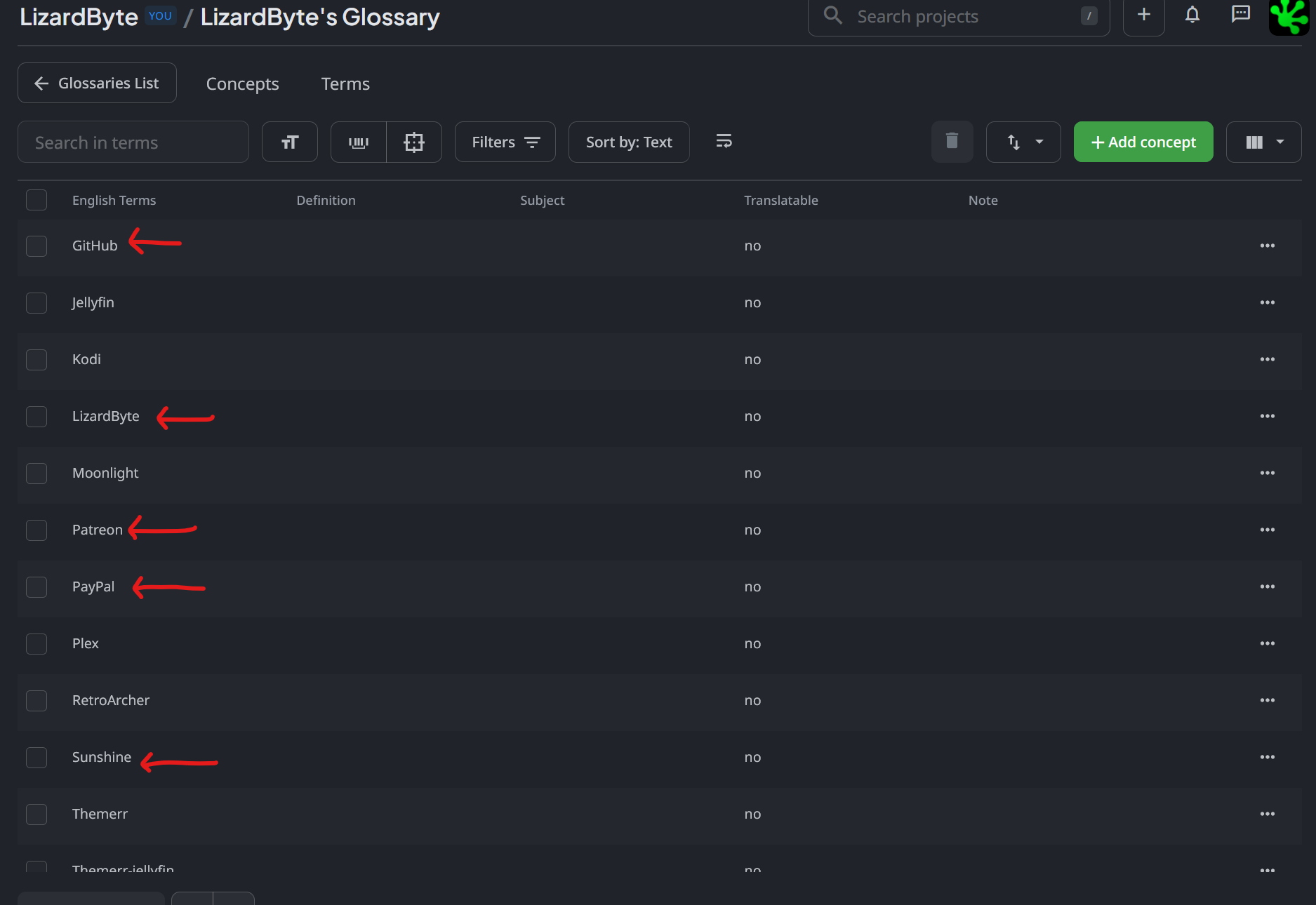
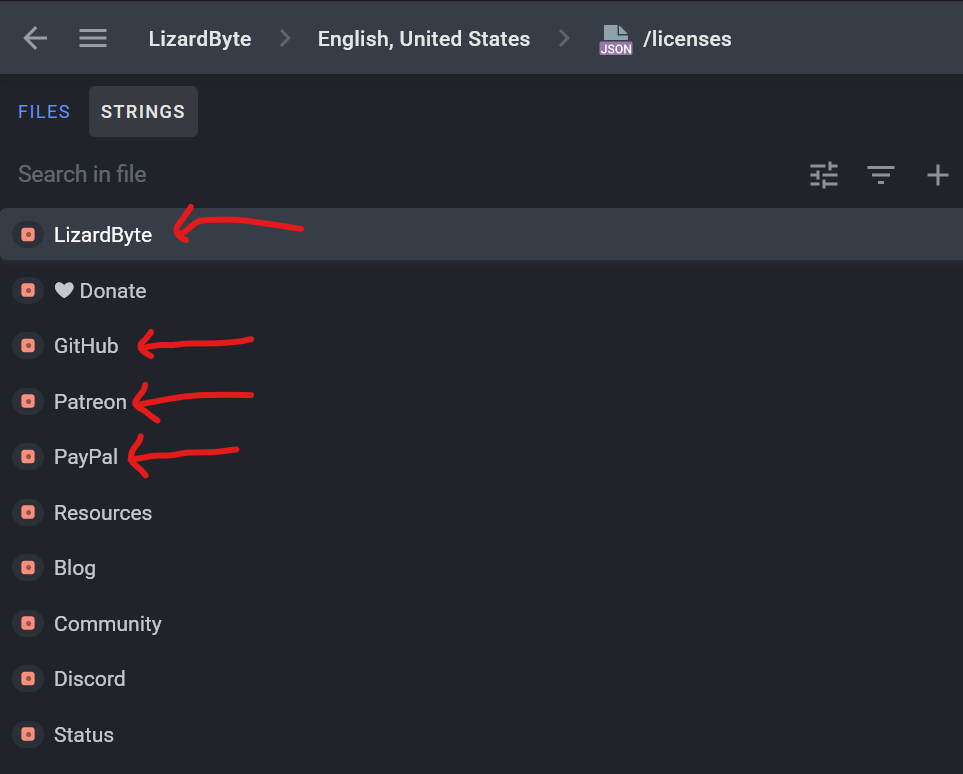
I migrated from JS Proxy Translator to Website Translator, and it is now asking for translations on terms that are specifically marked to not translate in the glossary.
Hi @ReenigneArcher to translate terms, it’s needed to run the Translate Glossary app > special folder with the glossary file will be visible in the project > then this status will be taken into account:
For now, you just uploaded a source file and strings won’t be available for translation if you hide them:
Thank you for the response. I have these terms set to have translate off though. They never appeared as translatable until I changed from JS Proxy Translator to the new Website Translator.
Even if strings are set as “untranslatable” in your project’s glossary, they aren’t automatically hidden. That setting primarily serves as a hint for human translators and AI prompts to leave those specific words as-is.

To prevent these strings from appearing in the workflow entirely, you have two main options:
1)You can manually hide specific strings directly within the Editor
2)In the Website Translator app settings, you can define specific CSS selectors to be ignored so the tool skips those elements completely

Okay, thanks for the response.
I marked them as hidden. It works, but it’s kind of annoying to do as the terms appear on many different pages, as they are in the navbar and footer of every page.