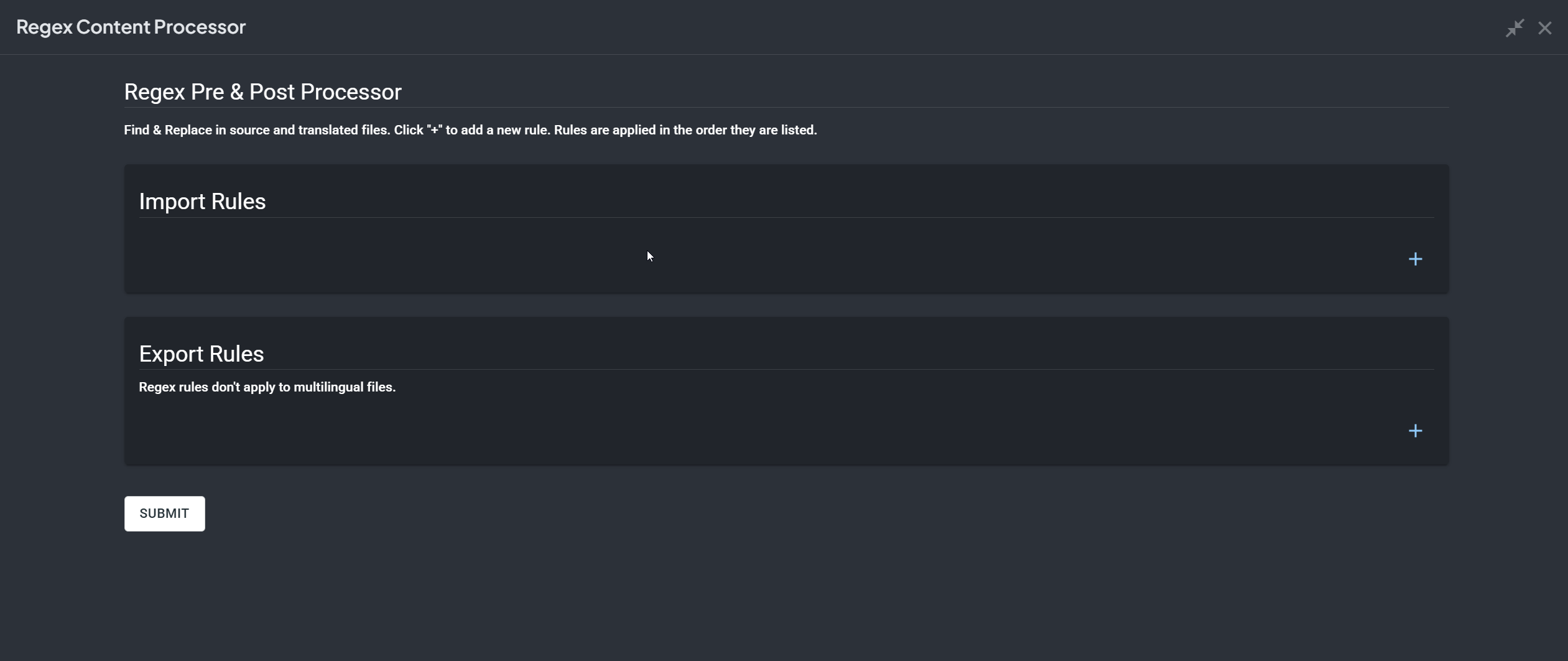
Even if an export processor is not configured, having it enabled and available in the project can still affect the content.
We recommend enabling processors only in the projects where they are actually needed. In your case, please go to Account Settings → Apps, open the relevant app, and adjust Select projects for the app’s module visibility and data access. Choose Selected projects and leave checked only the projects where this processor should be used. Note: this must be done under the main account, the project owner.
Even after uninstalling the regex processor under Account Settings → Apps the translations are processed.
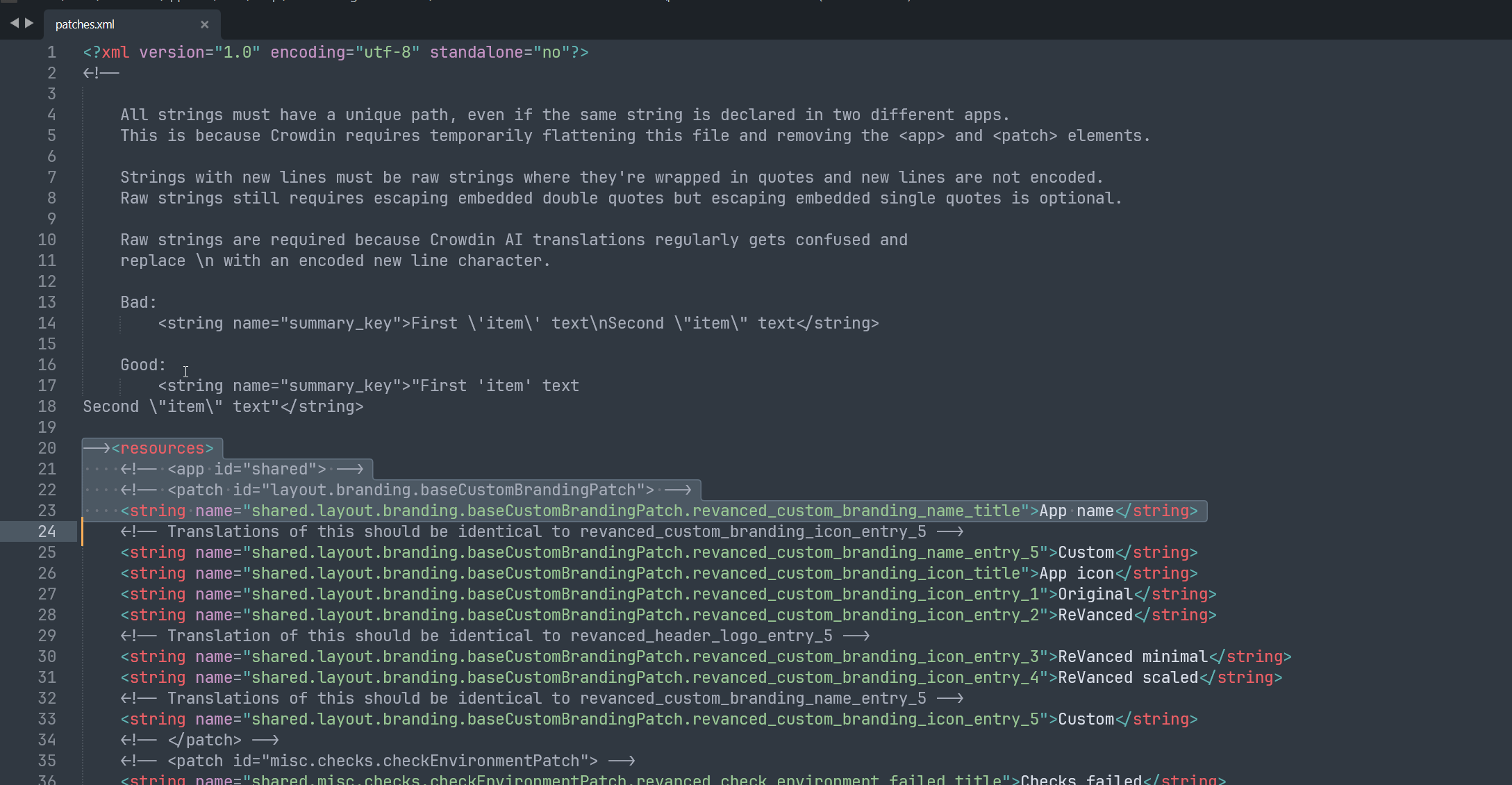
The source can be seen at crowdin .com/project/revanced/sources/files
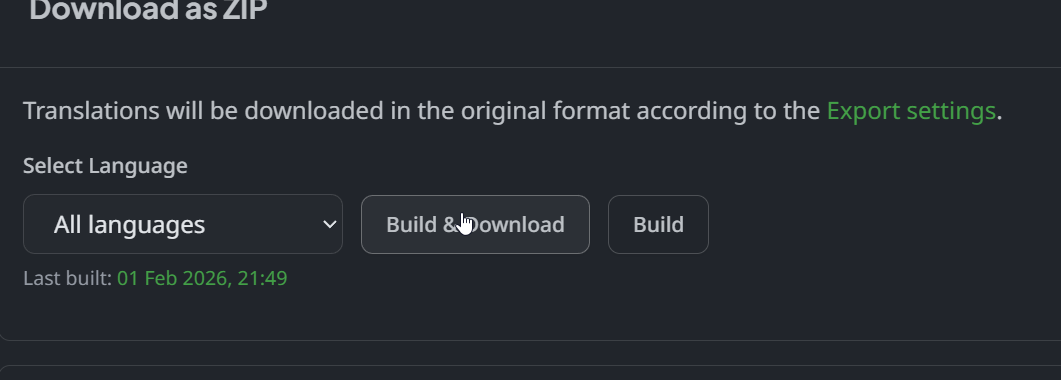
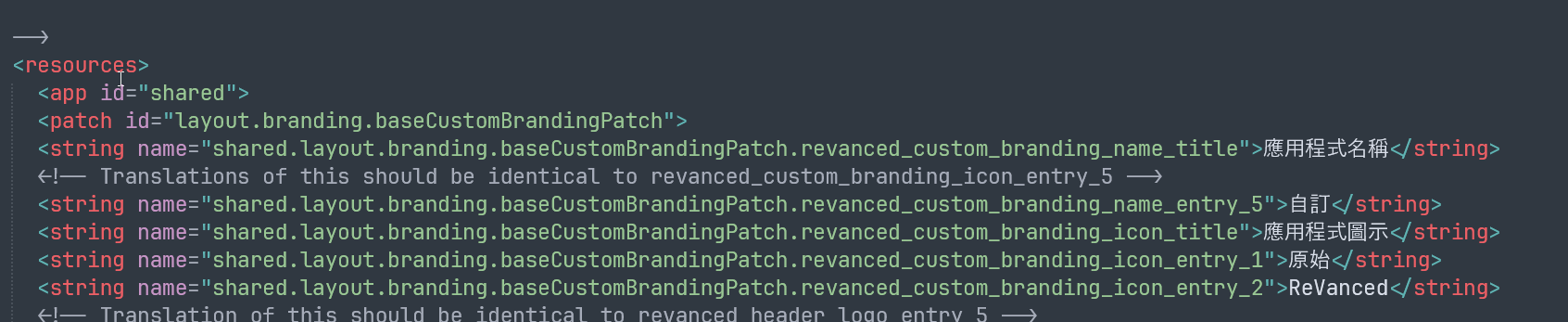
But when I build & download the translations at crowdin .com/project/revanced/translations the tags are not commented anymore. Our regex processor did uncomment them previously but now that I have uninstalled it it shouldn’t happen, but it still does.