I’m working on a monorepo hosted on GitHub that contains multiple nested projects. I’d like to create separate Crowdin projects for each and integrate them with GitHub.
To achieve this, I understand that there are two possible approaches for managing multiple crowdin.yml files:
Use custom config file names like crowdin.project1.yml, crowdin.project2.yml, etc.
Place a crowdin.yml file in each nested project directory.
According to the GitHub integration docs, both options should be supported. However, in practice neither approach seems to work for me — the integration doesn’t recognize or trigger updates for multiple configurations.
Could you clarify:
Whether multiple Crowdin config files are supported in a single GitHub repository?
What is the correct way to configure multiple Crowdin projects in such a setup?
Are there any known limitations or steps I might be missing?
To answer your first point directly: yes, connecting multiple projects is fully supported.
The recommended approach for a setup like yours is to have one crowdin.yml configuration file per branch you wish to synchronize.
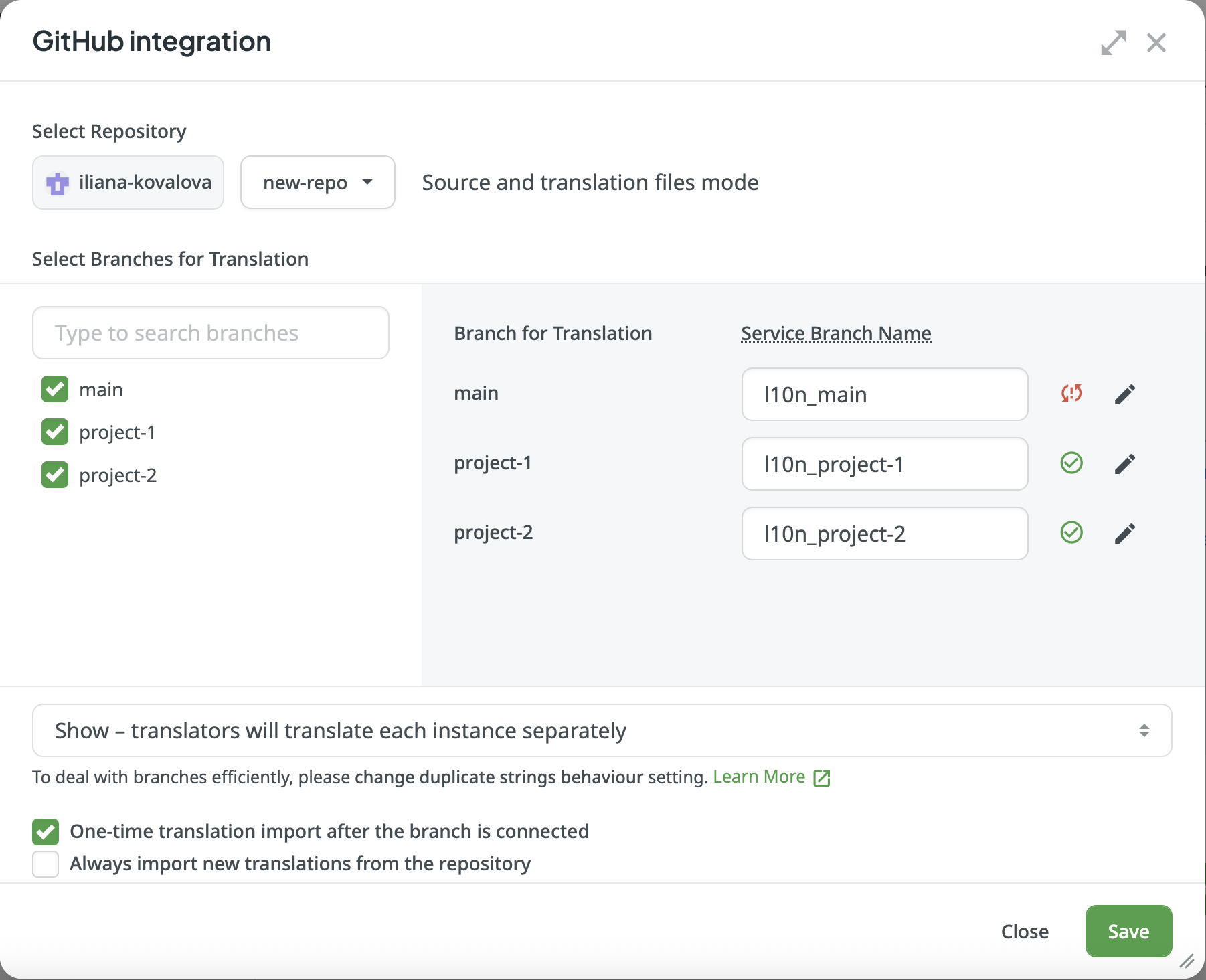
The simplest way to achieve this is by setting up the integration directly through the UI. This process automatically creates and places the correct crowdin.yml file in the root of the corresponding branch for you.
Here are the steps to follow for each project:
In your Crowdin project, navigate to the Integrations tab
Select the GitHub integration
Click Add Repository
Select the specific branch(es) you want to sync with this Crowdin project
Edit the configuration for that branch(es) directly in the UI to define which source files and translations should be synchronized
Repeat these steps for each of your other projects
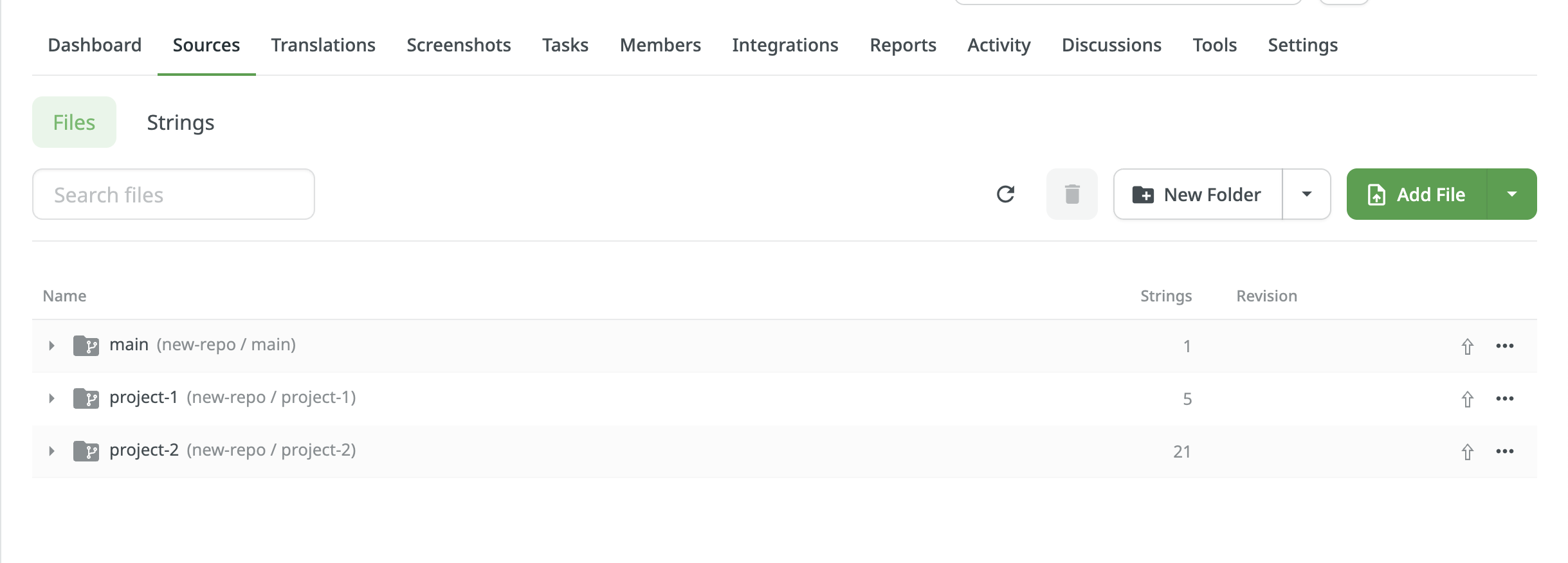
Once configured, Crowdin will create a crowdin.yml file at the root of each synchronized branch. In your Crowdin project it will look like this: