Hello, I am not able to change the account’s email
After putting the new email in the settings, an email is set to the new user, and after accepting everything, a new account is created for the user with empty projects, and the current user still holds the old email.
Thanks!
Hi there,
It seems there might be a confusion during the email change process. When you update your email in the settings, a verification email is sent to the new address. You need to ensure that you’re accepting the change from the original account, not creating a new one.
Please try the following steps:
- Log into your Crowdin account with your current credentials.
- Go to your profile settings and update your email address.
- Check the inbox of your new email for a verification message.
- Follow the instructions within that email to confirm the change.
Make sure you are not creating a new account when accepting the change. If the issue persists, please let us know!
@Dima Hey we have the same issue. Could you assist us please ?
Hello @robin.braeutigam
Sure, I’ll be glad to help! Have you tried the suggestions I’ve shared earlier?
Hi,
Today I’ve also tried to change the email inthe existing account settings. I’ve provided a new one.
I’ve received the following email to my “old” email address:
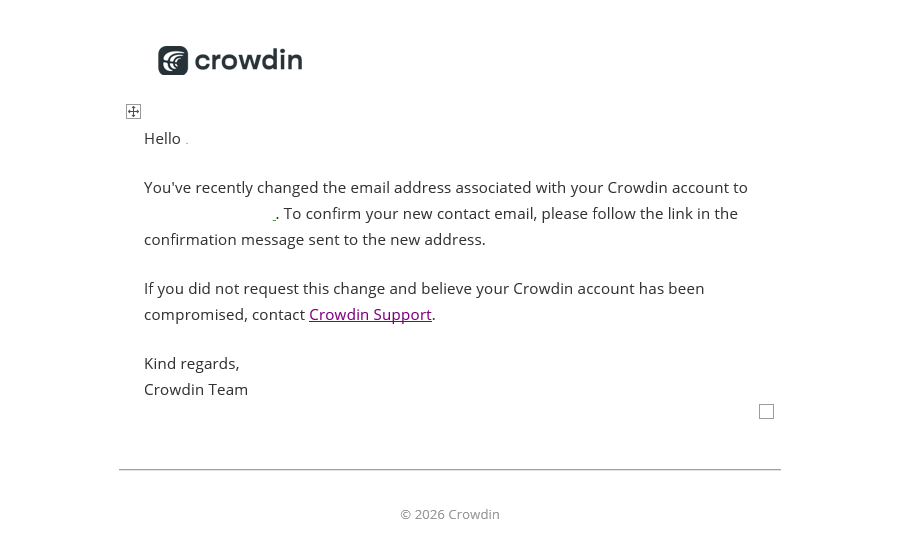
But the email mentioned in the above message to confirm the email change has not been delivered to the new address. I’ve checked also the spam folder, still no messages.
Could you help us to resolve this issue?
Hello @ezsystems
Please contact us directly by email (support@crowdin.com), make sure to provide both old and new email adresses so our team can take a look at this for you 