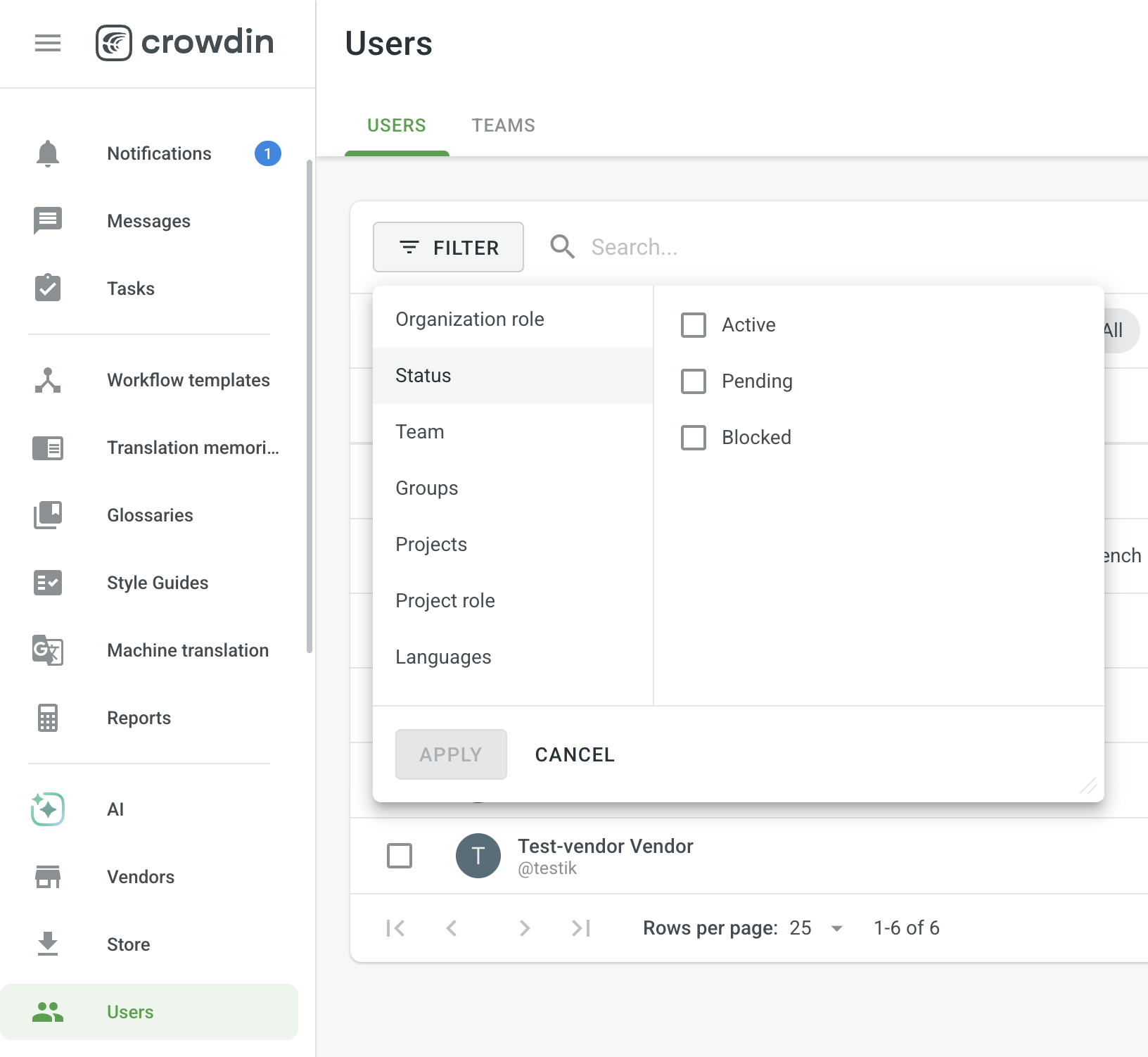
As workspace admin, when searching through users/invitations on u/users page, the users that have not accepted the invitation yet can’t be found with their email.
For example, for invitation with email some.name@domain.com, the invitation shows so****e@do***n.com . Even though when clicking inside the invitation, I can still see the full email without problems, I can’t search using full email, but still can search with the asterisks so****e@etc.
Steps to reproduce:
Invite user some.name@domain.com
See the invitation added as so****e@do***n.com
Try searching some.name@domain.com
The user is not shown
Expected result:
The user is shown
Our use case:
In our company, we manually provision access to Crowdшn by assigning the user in SAML system, and by inviting the users by email. When a user is terminated in the company, we have to manually remove the user from crowdin as well. Often such users don’t accept invitation to crowdin and their invitation stays as so****e@do***n.com . Admin are having a hard time finding the invitation in the list, as they have to search like so** and filter out the exact user by clikcing into it and checking if that is the correct email, which is annoying.
You can’t search pending invitations by the full email address, and we aren’t planning to change that. This is a deliberate security measure.
Until someone accepts an invitation, their email can’t be searched, so nobody can use the user list to check whether a specific address has been invited.
That’s also why the invitation appears as masked and only that masked form finds it.
As a partial workaround, the quickest way to find a user is by using the API:
Thanks for the reply, but I don’t really get the security reasoning. What exactly is this protecting against? I’m the workspace admin, and I can already open any invitation and see the full email. Nothing is hidden from me, it’s just harder to find.
It actually hurts security for us. When someone leaves the company, I need to confirm they have no pending invitation left, so nobody can accept it later. Right now I can’t search the email and get “no results”. I have to guess masked fragments like so** and open each match one by one, which is easy to get wrong.
If the API can do it, I don’t see why the UI shouldn’t. Could you at least allow full email search for admins only? Everyone else can keep the masked version.
Unfortunately, we won’t be adding full email search for pending invitations, even for admins.
It was restricted for a security improvement. We decided to keep invited addresses out of search completely instead of changing the rule by role, and our work in this area is heading toward stricter protection of pending users’ addresses, not looser
For a reliable check, the API is your best option. This call will return status=pending for every pending invitation:
Invitations are meant to be accepted fairly soon after they’re sent, since there should be a reason to add a user. So, technically, the user list isn’t designed around managing invitations that stay pending for a long time.