Hi,
I’ve dowloaded a theme, but I can’t find how to replace the current theme with the new one.
Thanks for your help
Ev
Hello @evdoxia.renta,
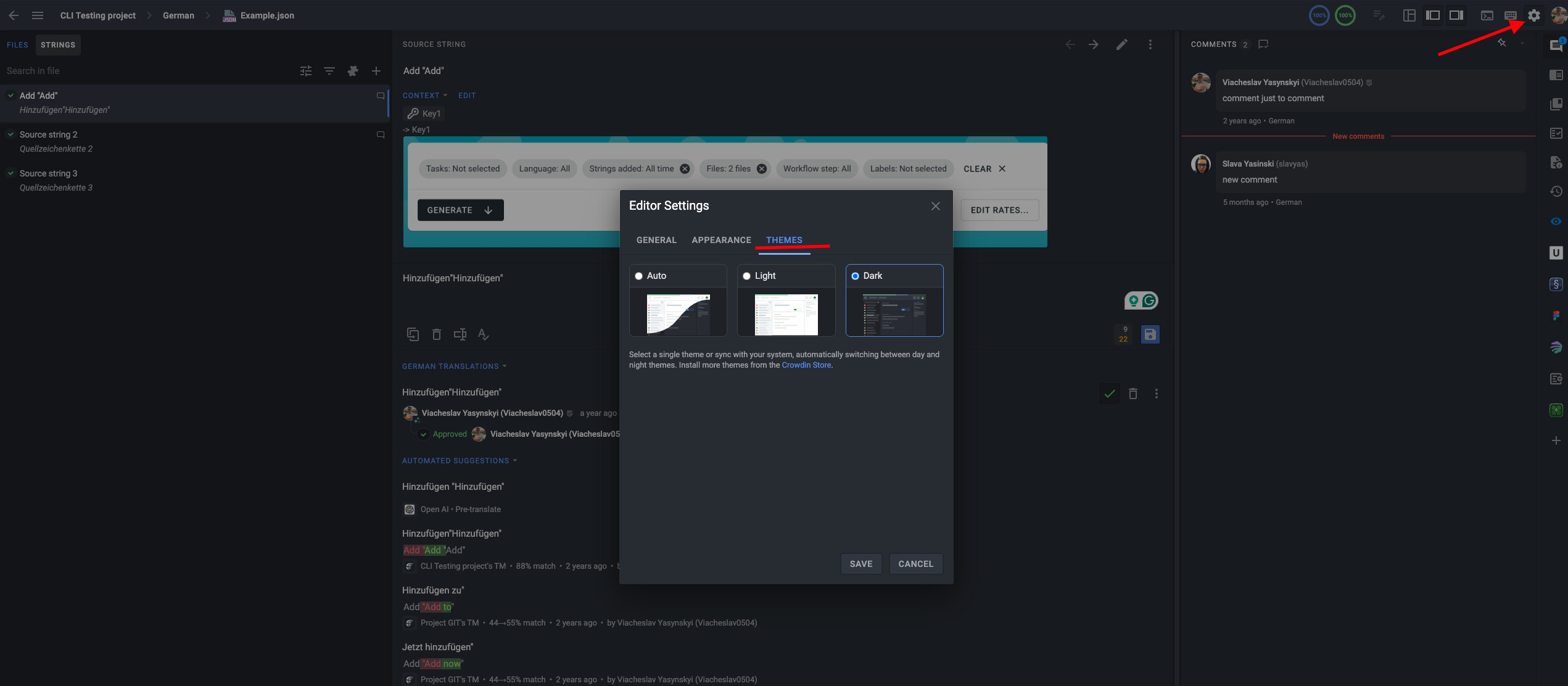
Themes installed from the Crowdin Store apply to the Editor, and you can switch to the new one from the Editor settings:
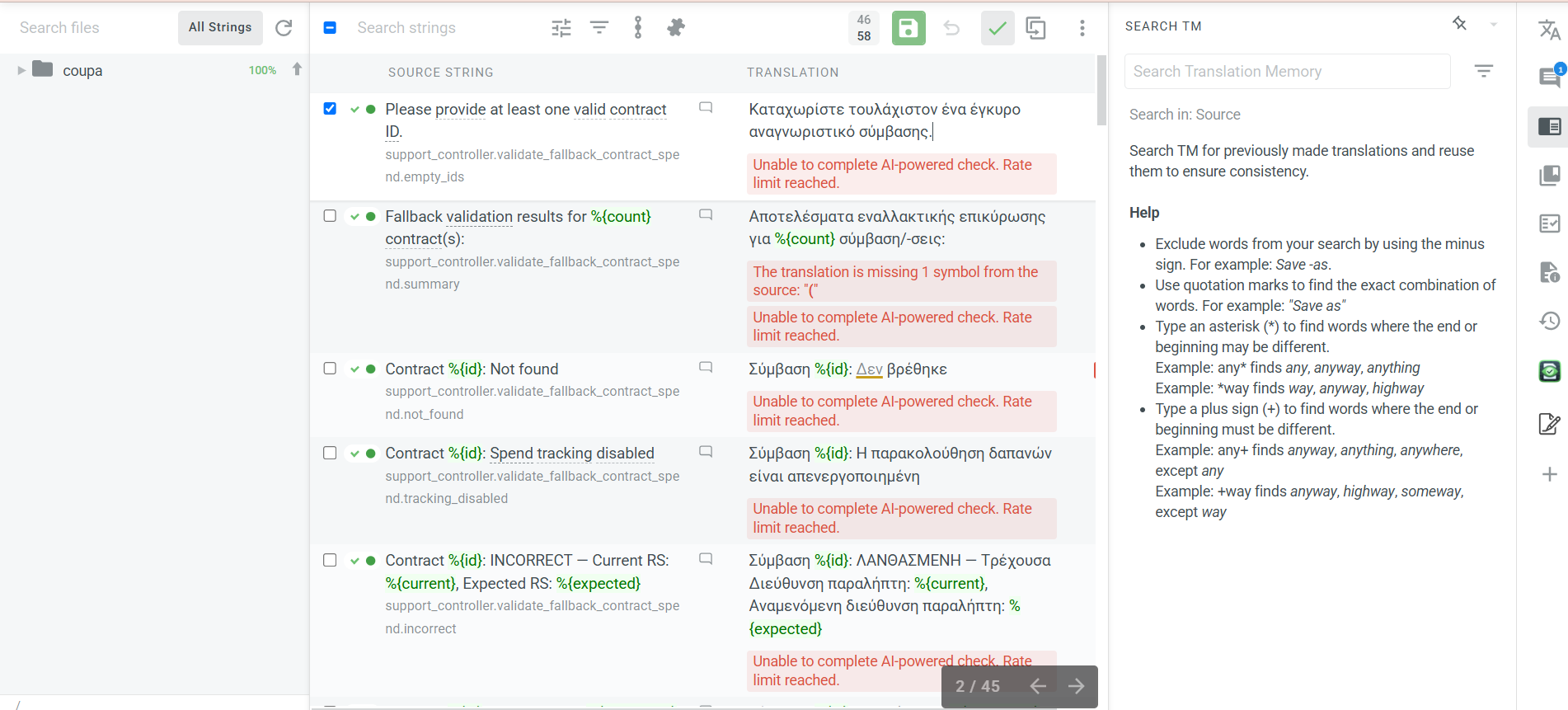
Hi, thanks for your help, but I don’t see any of the icons in the upper right corner.
These are personal Editor settings, so every user has them, whatever their project role. To open them, please click the gear icon (Editor Settings) in the top-right corner of the Editor, next to the keyboard icon. Then please go to the General tab.
If you don’t see the gear icon, please send us a screenshot of the whole Editor window, and we’ll take a look.
Hi @evdoxia.renta !
We will be glad to assist you via support@crowdin.com! Please share the project details and we will check everything on our side.
Thanks in advance!